
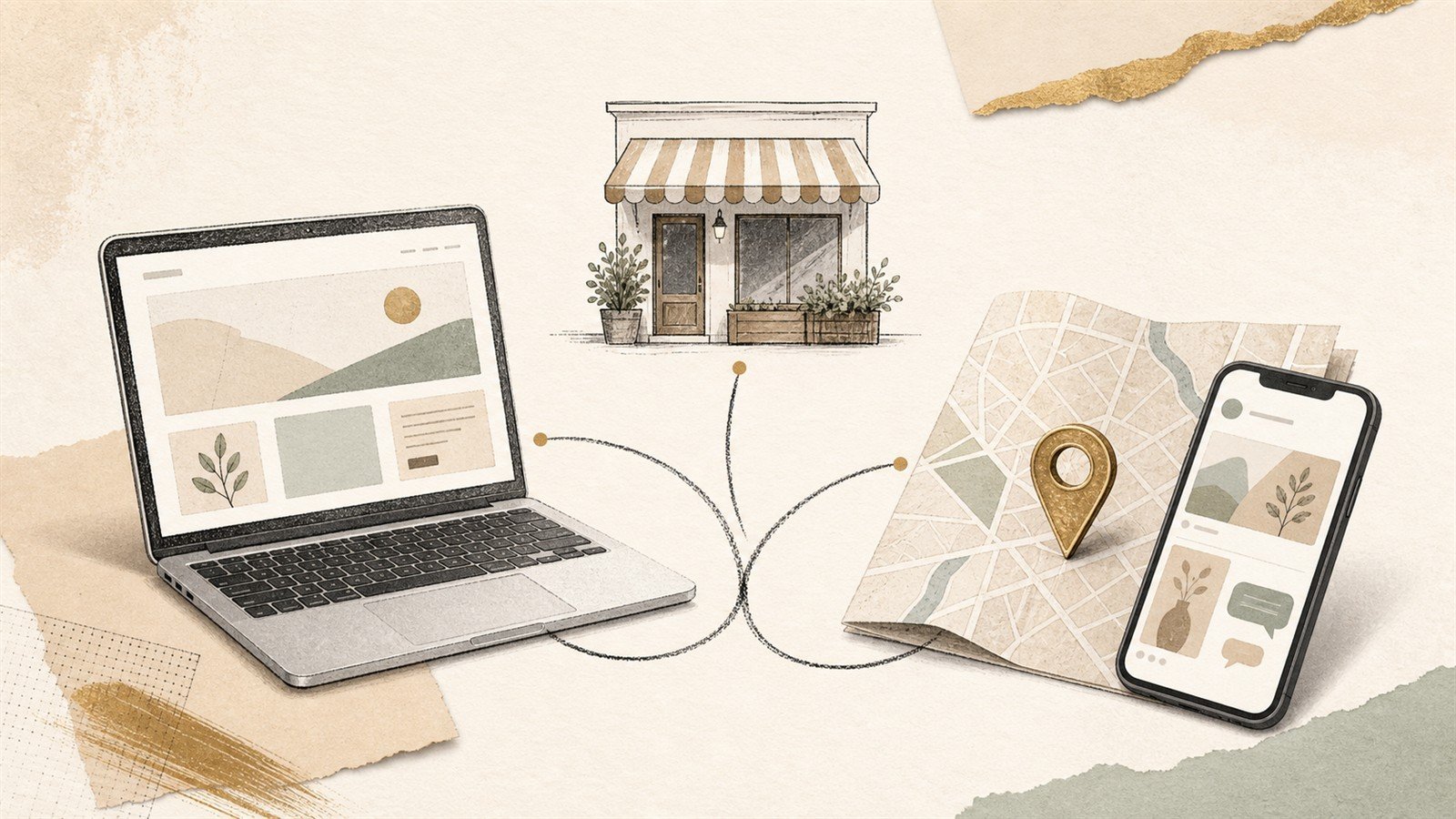
Your website, Google Business Profile and social media should not behave like three unrelated versions of your business. They have different jobs, but they work best when they share accurate information, point customers towards the next useful step and reinforce the same real-world identity.
For many Australian small businesses, the most important relationship is between the website and Google Business Profile. The profile helps people discover and assess a nearby business in Google Search and Maps. The website gives them the fuller explanation, evidence and pathway they need before they call, enquire, book or buy.
Instagram and Facebook support that relationship. They can introduce the people, work and personality behind the business, keep it visible between purchases and distribute useful content. They should not be expected to replace a well-kept website or an accurate Business Profile.
Think of the three channels as one customer journey
A potential customer rarely follows a neat marketing funnel. They might notice a recommendation on Facebook, search the business name on Google, read reviews, visit the website, return to Instagram to look at recent work and finally call from the Business Profile.
Each touchpoint answers a different question:
- Google Business Profile: Is this business relevant, local, open and credible enough to consider?
- Your website: Does it clearly provide what I need, and what should I do next?
- Instagram or Facebook: Does the business appear active, recognisable and consistent with what I have already seen?
The aim is not to force everyone through every channel. It is to remove doubt wherever they happen to look.
Your website should be the source of truth
Your website is the place where you control the structure, wording and customer journey. It should hold the most complete, durable version of your services, locations, contact details, policies, frequently asked questions and business story.
That does not mean every detail belongs on one page. It means the website has a clear home for information that customers may need to verify. When a service changes, a new location opens or trading arrangements shift, update the website first. Then use it as the reference when adjusting Google and social profiles.
This source-of-truth approach reduces the gradual drift that makes a business look unreliable: an old phone number on Facebook, outdated hours on Google, a discontinued service on the website or several slightly different descriptions of the same offer.
It also protects the business from depending entirely on a platform it does not control. Grey Lily Media’s article Do You Still Need a Website If Social Media Is Working for You? explains that distinction in more detail.
Google Business Profile is the local decision layer
A verified Google Business Profile can appear in Search and Maps with practical information such as a business name, category, service area or address, hours, phone number, website, photos and reviews. Google’s Business Profile introduction describes it as a way to manage how an eligible business appears across those surfaces.
For a local customer, this may be the first meaningful contact with the business. The profile should therefore help them make a sound next decision, not simply exist as a directory listing.
Keep identity and contact details consistent
Use the business name customers see in the real world, not a version packed with services or suburbs. Choose an accurate primary category, use a genuine customer-facing phone number and keep the address, service area and hours current. Google’s guidelines for representing a business emphasise accurate real-world information and warn against unnecessary additions to business names.
Consistency does not mean copying the same short sentence everywhere. It means the underlying facts agree. A customer should not have to decide which phone number, opening time or service area is correct.
Link to the page that best completes the task
The main website field will usually point to the home page, especially when the profile represents one small business and the home page gives a clear overview. Other available action links may suit a more specific destination: an appointment page, service menu, ordering page or location page.
Use the closest helpful page rather than sending every click to a generic home page. A person looking for a booking should reach the booking pathway; somebody assessing a particular service should reach an informative service page. Google allows eligible profiles to add certain local business links for actions such as appointments, reservations and orders.
Use reviews, photos and updates as evidence
Reviews help potential customers understand real experiences. Ask for them honestly, without incentives, and make the request part of a natural post-service follow-up. Reply where you can add a useful, human response. Google says review replies are public and recommends keeping them professional, relevant and straightforward.
Photos should show what a customer is genuinely likely to encounter: premises, team members where appropriate, completed work, products, access points or the service in progress. Google recommends clear, well-lit images that represent reality rather than heavily altered promotional graphics.
Business Profile updates can highlight timely information, an event, an offer or a useful new page. Use them selectively. A strong update gives the reader a reason to act and links to the page that supplies the detail.
Social media supports discovery, familiarity and distribution
Instagram and Facebook are useful when they play to their strengths. They can show recent work, answer small questions, share community involvement, introduce people and give customers a reason to remember the business.
They are also distribution channels. A useful website article, project page, seasonal guide or frequently asked question can become several social posts that each point back to the complete resource. This is more sustainable than inventing unrelated content for every platform.
Grey Lily Media’s How Your WordPress Website and Social Media Can Work Together gives a detailed workflow for turning website content into social posts and email updates. The important principle here is simpler: publish the durable answer on your website, then adapt and distribute it through the channels your customers actually use.
Keep profile links purposeful
Link social profiles back to the website, preferably to a useful destination rather than a collection of unnecessary intermediate links. If Instagram is showing a particular service or project, the associated link should help an interested person understand it or enquire.
Where the feature is available, Google Business Profile can display links to social profiles. Google notes that availability varies and that performance metrics for those social links are not currently provided. Treat them as helpful connections, not as a measurement system.
Do not make customers decode platform differences
Your posts can be adapted to suit each platform, but the business facts and offer should remain recognisable. Avoid promoting a service on Instagram that the website barely mentions, or announcing different holiday hours on Facebook without updating Google.
Visual consistency helps too. The same logo, similar photography and a stable tone make it easier for people to recognise that they have found the right business. This is not about making every post identical. It is about reducing uncertainty.
A manageable monthly workflow
You do not need to update all three channels every day. A short monthly routine, plus prompt changes when important details shift, is more useful than bursts of activity followed by neglect.
- Check the source of truth. Review the website’s contact details, key services, service areas, opening information and important calls to action.
- Check the Google profile. Confirm hours, phone, website link, categories and action links. Review new customer photos, questions and reviews.
- Add current evidence. Upload one or two genuine photos if there is something useful to show. Reply to reviews that benefit from a response.
- Choose one useful message. Start with a customer question, service update, recent project or existing website resource.
- Adapt it for social media. Create a concise Instagram or Facebook post that stands alone but offers a relevant website link when more detail is useful.
- Record meaningful actions. Note calls, enquiries, bookings, direction requests or sales rather than judging the month by reach alone.
Urgent factual changes should not wait for the monthly check. Update altered hours, contact details, availability or location information as soon as they are confirmed.
Measure customer actions, not just visibility
Views and followers can provide context, but they do not show whether the system is helping the business. Start with the actions that matter: qualified calls, enquiry forms, bookings, orders, direction requests and visits to high-intent pages.
Google Business Profile performance can report applicable interactions such as calls from the profile, website clicks, direction requests and bookings. Google explains that availability depends on the business and that profile views are counted differently from overall exposure on Google.
Website analytics can show what visitors did after clicking through, while Search Console can show the search queries and pages that generated impressions and clicks. None of these systems offers perfect attribution. A customer may see several touchpoints, wait a week and then type the phone number directly.
Use the data to identify patterns, not to claim certainty. If a service page receives profile traffic but few enquiries, improve the page or its next step. If customers repeatedly mention Instagram before booking, keep using it as a trust channel. If calls rise after profile information and reviews improve, that is more useful than celebrating a larger impression count by itself.
Search your business name as a customer would, then compare:
- business name, phone, hours and service area
- the services or products being promoted
- the tone and visual identity
- the next action each channel offers
Your website holds the complete story, Google helps local customers find and assess it, and social media keeps the business visible and familiar.
A practical channel audit
Once a quarter, review the system as a customer rather than as the account owner.
On the website
- Can a visitor quickly understand what the business offers and where it operates?
- Are the phone number, email, address or service area and opening information correct?
- Do important services have useful pages of their own?
- Are calls to action specific and working on mobile?
- Does the site contain recent, credible evidence?
On Google Business Profile
- Does the real-world business name appear without extra keywords?
- Are the primary category, phone, hours, address or service area accurate?
- Does the website link reach the best starting page?
- Are booking or service links still correct?
- Are recent reviews, photos and owner updates being checked?
On Instagram and Facebook
- Do profile descriptions and contact details match the current business?
- Are website links working and purposeful?
- Does recent content show real work, useful knowledge or customer context?
- Are important announcements also reflected on the website and Google?
- Is the posting workload realistic enough to maintain?
A coherent system is more valuable than three busy accounts
The goal is not maximum activity. It is a dependable digital presence that helps the right customer move from discovery to confidence to action.
Begin with the website as the maintained source of truth. Make Google Business Profile an accurate, useful local doorway into that website. Use Instagram and Facebook to share evidence, build familiarity and distribute the information worth finding.
If the foundations are clear, even a modest monthly routine can keep the three channels aligned. That is usually more useful to a small business than trying to appear constantly active everywhere.
For a broader view of how a website can support enquiries, communication and business systems, see Your Website Should Be More Than a Brochure.
Want a more coherent digital presence?
Bring the website, Google profile and social channels back to one clear source of truth and one useful customer journey.
Keep reading

Every Website Form Should Have One Job
A practical way to decide what a website form should ask, where its answers should go and how it can reduce work for customers and the business.
Read article →
Your Website Isn’t Broken. Your Business Model Is.
Website problems often begin with unresolved decisions about services, pricing, capacity, policies and customer fit. Use your website project to find and fix the right problem.
Read article →
Simplicity Is Expensive to Create: Why Clear Websites Take More Work
A simple website is not the absence of information. It is the result of clear decisions about services, prices, pathways and responsibilities. Here is the work that makes simplicity possible.
Read article →
Pingback: Is Your Website Working? A Practical Measurement Guide