
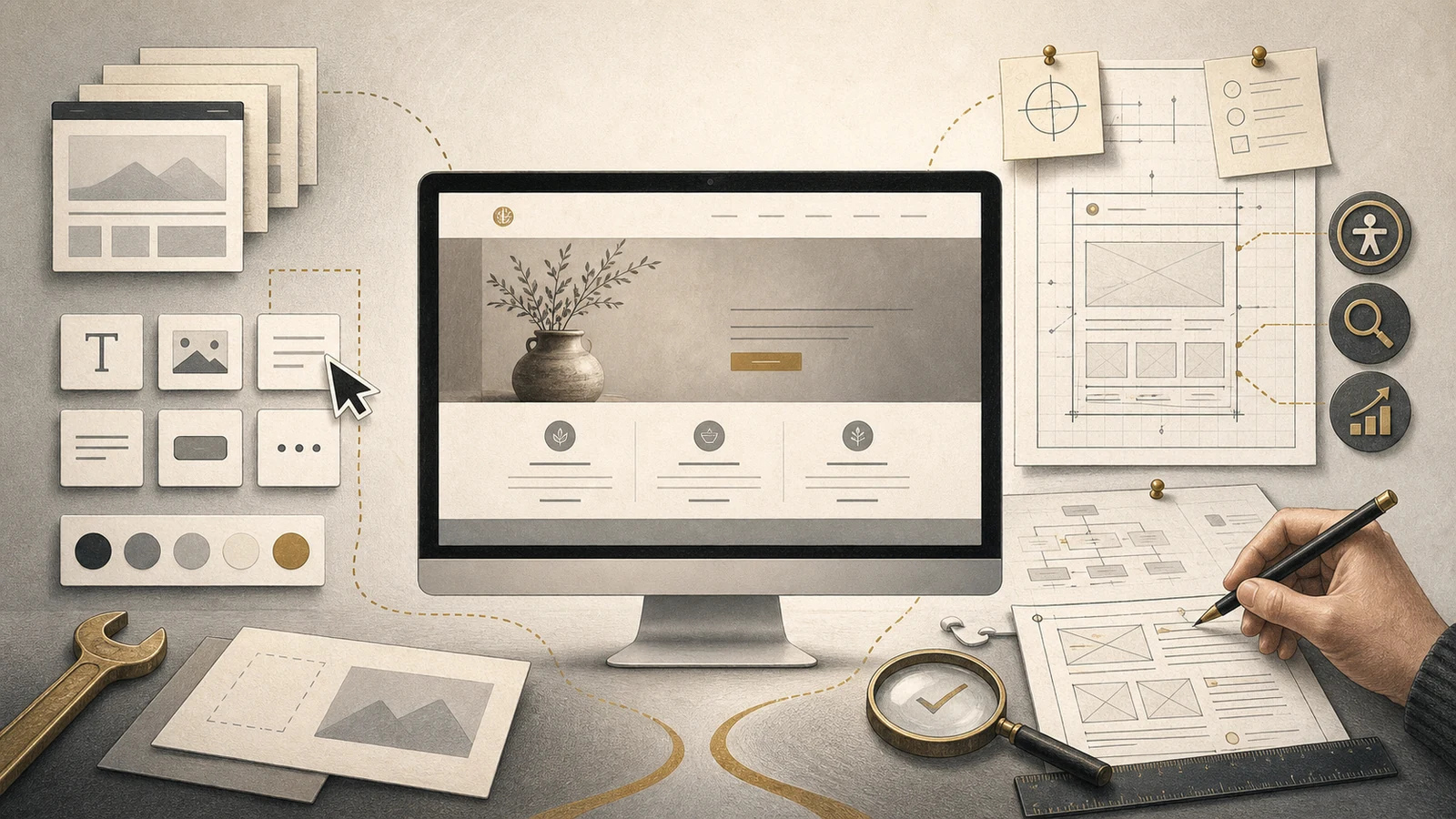
Yes, you can build a perfectly respectable business website yourself. Modern no-code tools make that more achievable than ever. The better question is not “Can I do it?” but “Is doing it myself the best use of my time—and will I make all the decisions the website needs?”
The DIY website or professional web designer decision is really about time, judgement and responsibility. Platforms such as Squarespace and Wix, along with visual WordPress builders, remove much of the need to write code. You can begin with a template, add pages, place images, connect a domain and publish without becoming a developer.
That is a genuine improvement. A small business with a clear offer, good content and patience may not need a professional for its first website.
But “no code” does not mean “no work”. The software supplies components. It cannot decide what customers need to understand, why they should trust you or what should happen after they click a button.
No-code tools have changed the job—not removed it
A builder solves much of the construction problem. It provides layouts, design controls and features such as forms, shops, bookings and analytics.
Wix describes its no-code builder as a way to customise templates, drag and drop design features and add business functions without manual coding. Its explanation of no-code website building shows how capable these tools have become.
The Australian Government’s guidance makes an equally important point: choosing a platform is only one stage. A business also needs to define goals, plan structure, create content, consider usability and accessibility, test, promote and maintain the result. The business.gov.au website guide provides a useful checklist.
A builder supplies tools. A website project turns business goals, customer needs, content and those tools into a coherent result. You can do both jobs yourself—but they are not the same job.
The difficult parts are often outside the builder
Deciding what the website is for
“I need a website” is not yet a useful brief. Should it generate enquiries, explain a complex service, qualify prospects, take bookings, support clients, sell products or establish credibility before a referral calls?
A site can do several jobs, but it still needs priorities. Otherwise it is easy to spend hours adjusting colours while its purpose remains vague.
Organising the information
A template might suggest Home, About, Services and Contact. It cannot know how customers think about your services, which questions prevent an enquiry or where evidence should appear.
Good structure feels obvious because somebody has grouped information, removed repetition, named pages clearly and decided what belongs on each one.
Writing the content
Many unfinished websites are not blocked by technology. They are waiting for words.
Owners know their work intimately, which can make it difficult to explain to an outsider. They may use internal language, assume knowledge the customer lacks or list everything they do without clarifying the value.
A professional may write, edit or ask the questions that produce better material. This is why the same template can become either a convincing business website or a collection of attractive but generic sections.
Designing consistently
No-code tools provide freedom. Freedom is helpful until every section has different spacing, every button has a different style and mobile layouts are treated as smaller desktop pages.
Professional design is not mainly decoration. It is hierarchy, legibility, consistency and directing attention. Visitors should know where they are, what matters and what to do next.
SEO, accessibility and performance
Most builders provide settings for titles, descriptions and image alternatives. They cannot guarantee those settings are used well.
Search visibility depends on useful content, structure and internal links. Accessibility requires attention to headings, contrast, keyboard use and forms. Performance depends on images, fonts, scripts and how much functionality has been added.
These are not reasons to fear DIY. They are reasons to include more than appearance in the definition of “finished”.
What are you paying a professional for?
You are not paying somebody because they know a secret way to place text beside an image. You are paying for judgement, process and responsibility.
Faster, better-informed decisions
An experienced designer recognises common problems. They can identify when a feature creates unnecessary work, when a homepage serves too many audiences or when a simpler solution will do the same job.
An outside view
Customers do not see the business with the owner’s knowledge. A good professional notices missing explanations, unsupported claims and confusing pathways because they are looking from closer to the customer’s perspective.
Implementation and connection
Domains, business email, forms, analytics, security, privacy, search tools, bookings and customer-management software may need to work together. The value lies in knowing what should be connected, testing the complete path and avoiding unnecessary complexity.
This matters when the website will be more than an online brochure and support communication or ongoing client service.
Quality assurance and launch
Someone needs to check links, forms, mobile layouts, browsers, images, page titles, redirects and backups. Professional help gives that responsibility a clear owner.
The value of professional help is not that an owner is incapable of building a website. It is that the owner does not have to become the strategist, writer, designer, implementer and tester all at once.
When building it yourself makes sense
DIY can be sensible when:
- the budget is limited but you have time to learn;
- the site is small and its purpose is straightforward;
- you have clear branding, photography and content;
- a proven template suits the business;
- you enjoy digital tools and experimentation;
- you are testing an offer before investing further;
- you will maintain the site after launch.
A clear, current DIY site can outperform an expensive website that nobody maintains.
If you are still deciding whether a site is needed, Do You Still Need a Website If Social Media Is Working for You? examines its possible jobs before you choose how to build it.
When professional help may pay for itself
Hiring help becomes more attractive when:
- the website must generate or qualify valuable enquiries;
- the offer is difficult to explain or serves several audiences;
- the design supports an established brand;
- bookings, payments, memberships or integrations are involved;
- accessibility, performance or search visibility matter;
- you have started more than once without finishing;
- a weak launch would cost more than the fee;
- your time is more valuable in sales, delivery or relationships.
DIY is not free if it consumes forty evenings. Professional work is not automatically good value either. It still needs an appropriate scope, clear process and a provider who understands the business problem.
There is a useful middle ground
The choice is not “do everything myself” or “hand over everything”. You might hire someone to:
- plan the sitemap and customer journeys;
- set up the platform, styles and reusable sections;
- review content you have drafted;
- complete SEO foundations and launch testing;
- repair a DIY site that has reached its limits;
- teach you to maintain the finished site.
This concentrates professional time where it has the most leverage and leaves you understanding the system rather than receiving a mysterious finished product.
- Can I clearly describe the job this website must do?
- Do I have the words, images and evidence it needs?
- Do I have realistic time to learn, build, test and maintain it?
- What would a delayed or weak website cost?
- Which parts would benefit most from experienced judgement?
Compare the real costs—not just the invoice
A DIY comparison should include subscriptions, domain, paid templates or extensions, imagery and separate email, booking or ecommerce services. It should include your time and the possibility of rebuilding work that does not survive the first attempt.
A professional quote should explain what sits behind the price: discovery, structure, content assistance, design, configuration, testing, launch and support. Our next article will examine how much a small-business website should cost and what you receive for the money.
The cheapest route may suit a temporary need. The more expensive route may be better value when the site supports important decisions or saves ongoing work. Cost only means something when compared with scope, risk and use.
How to choose a professional without surrendering control
Ask practical questions:
- What information and content will you need?
- How will you decide the structure and priorities?
- What is included—and excluded—from the quote?
- Who owns the domain, content, assets and accounts?
- Can I edit ordinary content after launch?
- What happens if I move providers?
- How are mobile layout, accessibility and forms tested?
- What ongoing costs and maintenance should I expect?
A good provider should answer without hiding behind technical language. You should understand what is being built, why it is appropriate and what you will manage afterwards.
Grey Lily Media’s website services focus on manageable WordPress sites, clear ownership and ongoing support rather than dependency for every small edit.
So—should you build it yourself?
If the project is straightforward, you have time and enjoy the process, yes. Choose a restrained template, write the content before obsessing over decoration, test everything and launch a useful first version.
If the website needs to influence important decisions, connect business systems or represent substantial credibility, professional help can reduce uncertainty and produce a stronger result sooner.
If you sit between those positions, buy help selectively. Planning, content review, setup or testing may be more valuable than an entirely custom build.
No-code tools have made construction accessible. That is good news. They give small businesses more choices—not an obligation to do every part alone.
Build it yourself—or get the right amount of help.
Grey Lily Media can build the complete site, establish a practical foundation for you to manage, or help rescue a DIY project that has become stuck.
Keep reading

Every Website Form Should Have One Job
A practical way to decide what a website form should ask, where its answers should go and how it can reduce work for customers and the business.
Read article →
Your Website Isn’t Broken. Your Business Model Is.
Website problems often begin with unresolved decisions about services, pricing, capacity, policies and customer fit. Use your website project to find and fix the right problem.
Read article →
Simplicity Is Expensive to Create: Why Clear Websites Take More Work
A simple website is not the absence of information. It is the result of clear decisions about services, prices, pathways and responsibilities. Here is the work that makes simplicity possible.
Read article →