
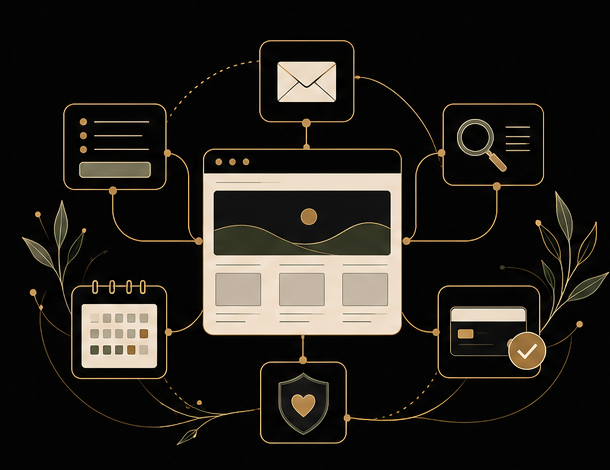

Your domain, hosting, website and business email are connected, but they are not the same thing. Each may have a different provider, login, renewal date and technical role.
The domain is the business address
The domain registrar records who controls a name such as example.com.au. The business should normally be the registrant and control the primary account, recovery email and payment method.
Allow a trusted provider to administer the domain when necessary, but avoid registering a business domain solely in a developer’s personal account.
DNS connects the services
DNS records tell browsers and mail systems where to find the website and email service. Changing nameservers or DNS records can affect the website, email and verification services at once, so changes should be documented.
Hosting runs the website
Web hosting stores and serves the website files and database. The hosting company may also provide backups, security tools or email, but these are separate functions even when they appear on one invoice.
WordPress is the website software
WordPress has its own users and maintenance requirements. Paying for a domain or hosting account does not automatically mean that WordPress itself is being updated, backed up or supported.
Business email may be elsewhere
Microsoft 365, Google Workspace and other email services can use the same domain while operating independently of the website host. Moving a website should not require moving email, but careless DNS changes can interrupt it.
The business should be able to identify the provider, account owner, recovery method and renewal responsibility for every essential service—even when someone else manages it day to day.
Keep a simple service register
Record the domain registrar, DNS provider, website host, email provider, renewal dates, account owner and support contact. Do not store passwords in the same document. Use a reputable password manager for credentials and recovery codes.
Decide who watches renewals
Automatic renewal helps, but expired cards and old email addresses still cause failures. Assign a person to review renewal notices and confirm that critical services remain active.
Plan for a future handover
A healthy website arrangement should survive a change of employee, developer or support provider. Accounts held in the business’s name, with documented access and recovery details, make that possible.
Clear ownership is quiet infrastructure. Most of the time nobody notices it—but when something changes, it is the difference between a routine update and an avoidable emergency.
Need help with this?
Clients can open a secure support request and keep the conversation in one place.
Keep reading
How Should Your Website, Google Business Profile and Social Media Work Together?
Your website, Google Business Profile and social media have different jobs. Here is how to keep them accurate, connected and focused on meaningful customer actions.
Read article →
SEO Explained: How Can Search Engines Help Customers Find Your Business?
SEO means making your website easier for search engines to understand and more useful for potential customers. Here is how technical foundations, content, links, local search and measurement fit together.
Read article →
What to Do When Your Website Form Stops Sending Email
A missing form email does not always mean the form itself failed. Check the submission record, spam folders, recipient settings and email delivery system in the right order.
Read article →