

Artificial intelligence has acquired two unhelpful costumes. In one, it is magic: press a button and the business becomes faster, smarter and mysteriously well organised. In the other, it is misconduct: using it somehow means the work is no longer yours.
The useful version is less dramatic. AI for small business can be a practical assistant for repeated work, early drafts and organising information. It can help a person think, but it cannot take responsibility for what the business publishes, promises or does.
AI is neither magic nor misconduct
A calculator does not decide what to charge. A booking system should not decide when you are available. In much the same way, AI can process information quickly without understanding the business consequences of its answer.
That makes it useful for tasks where speed helps and judgement still sits with a person: sorting notes, finding themes in customer questions, producing a rough outline, comparing wording or preparing a first draft. The owner or staff member still decides what is accurate, appropriate and worth saying.
The dividing line is responsibility. If a mistake could mislead a customer, disclose private information, damage trust or create a promise the business cannot keep, “the AI wrote it” is not much of a defence.
Use it to get from a blank page to something worth editing
Website and marketing work contains plenty of useful repetition. AI can help clarify a tangled brief, structure a service page, turn a recorded explanation into a first draft, suggest image concepts, repurpose an article into an email or social post, and produce variations for different channels.
That is assistance, not a finished product. A person still needs to check facts, remove invented detail, restore the business’s natural voice, judge whether an image is appropriate, confirm accessibility and decide whether the result is genuinely helpful. Ten fast variations are only an improvement if somebody can recognise the good one.
This is also why a website should remain more than a polished brochure. Its content should support real customer decisions, not merely prove that the business found a quicker way to produce paragraphs.
Let the website connect work, not collect gimmicks
The most useful AI feature may never appear as a floating chat bubble. A maintained knowledge base can improve site search or help staff answer common questions consistently. Enquiries can be classified before they reach the right person. A follow-up draft can be prepared from approved information. Details from a form can move into a customer system and an internal task list without being copied three times.
These uses sit around the website as much as inside it. They work best when the website form has one clear job, the source information is current, and a person reviews anything consequential before it reaches a customer. Not every business needs a chatbot. Most need reliable information and a cleaner handoff.
Choose one repeated, low-risk task. Test it with non-sensitive information, decide what a useful result looks like and name the person who will check the output before it goes any further.
AI should remove repetition, not responsibility.
Map the workflow before choosing the tool
Before adding AI, follow the work from the customer’s action to the business result. Where is information entered? Who checks it? Which decision requires experience? Where is the same detail copied, rewritten or searched for repeatedly?
This is where Grey Lily Media can help beyond the website: map the workflow, identify worthwhile low-risk uses, select and connect suitable tools, integrate forms with CRM or automation, define what data may cross each boundary, place human review at the right point, and help staff understand the system well enough to question it.
The point is not to add AI everywhere. It is to remove a specific piece of friction without hiding a confused process beneath faster automation. As the operations-first approach explains, more activity can amplify the wrong problem.
Useful automation still needs boundaries
Start with the information. The Office of the Australian Information Commissioner says privacy obligations can apply to personal information entered into an AI product and to personal information in its outputs. A business should understand why information was collected, whether it may be used this way, who can access it and how human oversight works.
Security matters too. The Australian Signals Directorate’s small-business AI guidance recommends deciding what information may be shared, checking vendor data handling and storage, understanding whether business data is used for training, and knowing how outputs will be fact-checked.
Then there are inaccurate output, bias, changing subscription costs and intellectual-property questions. IP Australia notes that AI-assisted material can raise complex questions about human authorship, ownership, commercial-use terms and the material supplied to a tool. These are not reasons to panic. They are reasons to choose a limited use case, read the terms, keep good records and retain a human checkpoint.
Start with a small-business AI use-case audit
Choose one repeated task and ask five questions:
- What task consumes time often enough to matter?
- What information does it require, and is that information safe to use?
- What could go wrong if the output is incomplete, biased or simply wrong?
- Who checks the result before it affects a customer or the business?
- What useful outcome would justify the setup, training and ongoing cost?
If those answers are clear, AI may be a sensible complement to the workflow. If they are not, the next useful step is not another subscription. It is a clearer business decision.
Where could AI remove useful friction?
We can map the workflow, identify one worthwhile use case and connect the website to the tools and review points that keep people in control.
Keep reading
The Best Marketing Often Starts by Fixing Operations
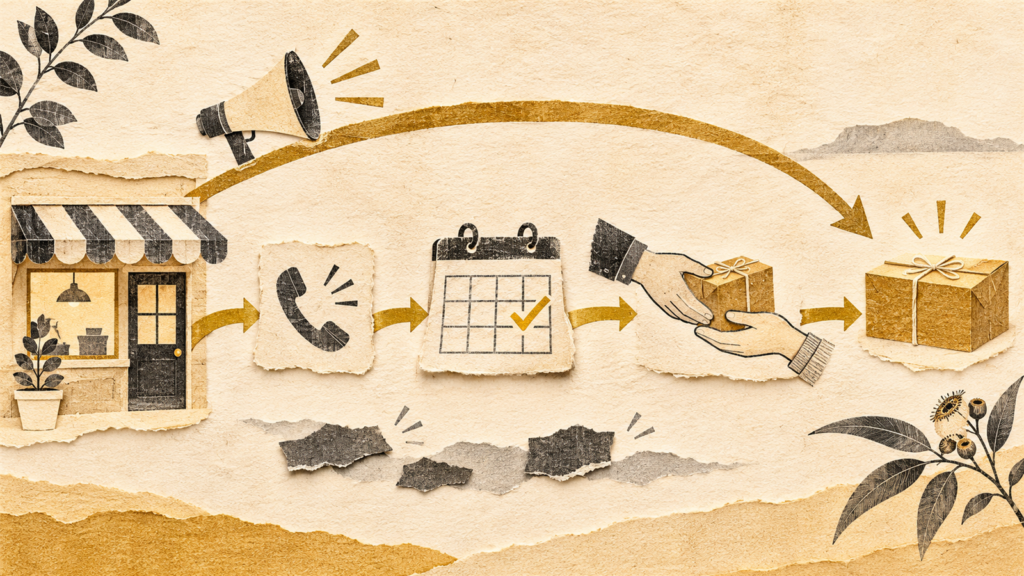
More enquiries are not always the answer. When response times, handoffs, capacity and service boundaries are unclear, marketing can amplify the wrong problem.
Read article →
Why Building a Website Feels So Hard
Building a website often feels difficult because the owner is also defining services, prices, boundaries and the customer journey. Here is a practical way to make those decisions without expecting the website to make them for you.
Read article →
Your Booking System Shouldn’t Run Your Business
Booking software can remove admin, but only after the business has decided what can be booked, when, by whom and on what terms.
Read article →